Blog
Cricfy TV on Samsung Smart TV: What Actually Works (2026)
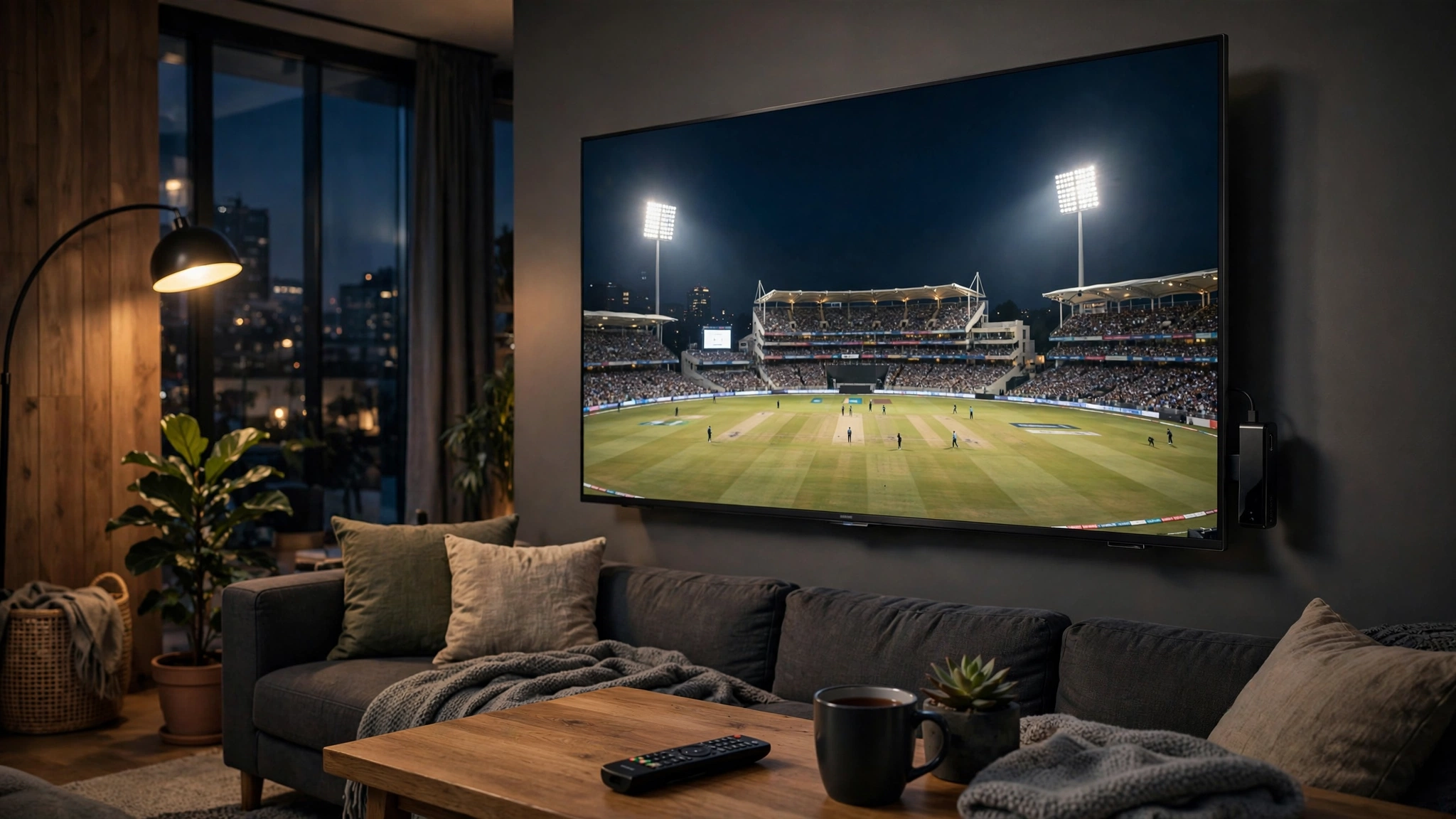
Let's be straight: you cannot install the Cricfy TV APK directly on a Samsung Smart TV. Samsung TVs run Tizen OS, not Android, and Tizen does not support APK sideloading. Any site claiming a "direct install" is misleading you.
The good news: three simple workarounds get Cricfy TV onto your Samsung screen in minutes.
Option 1: Firestick or Android stick (best)
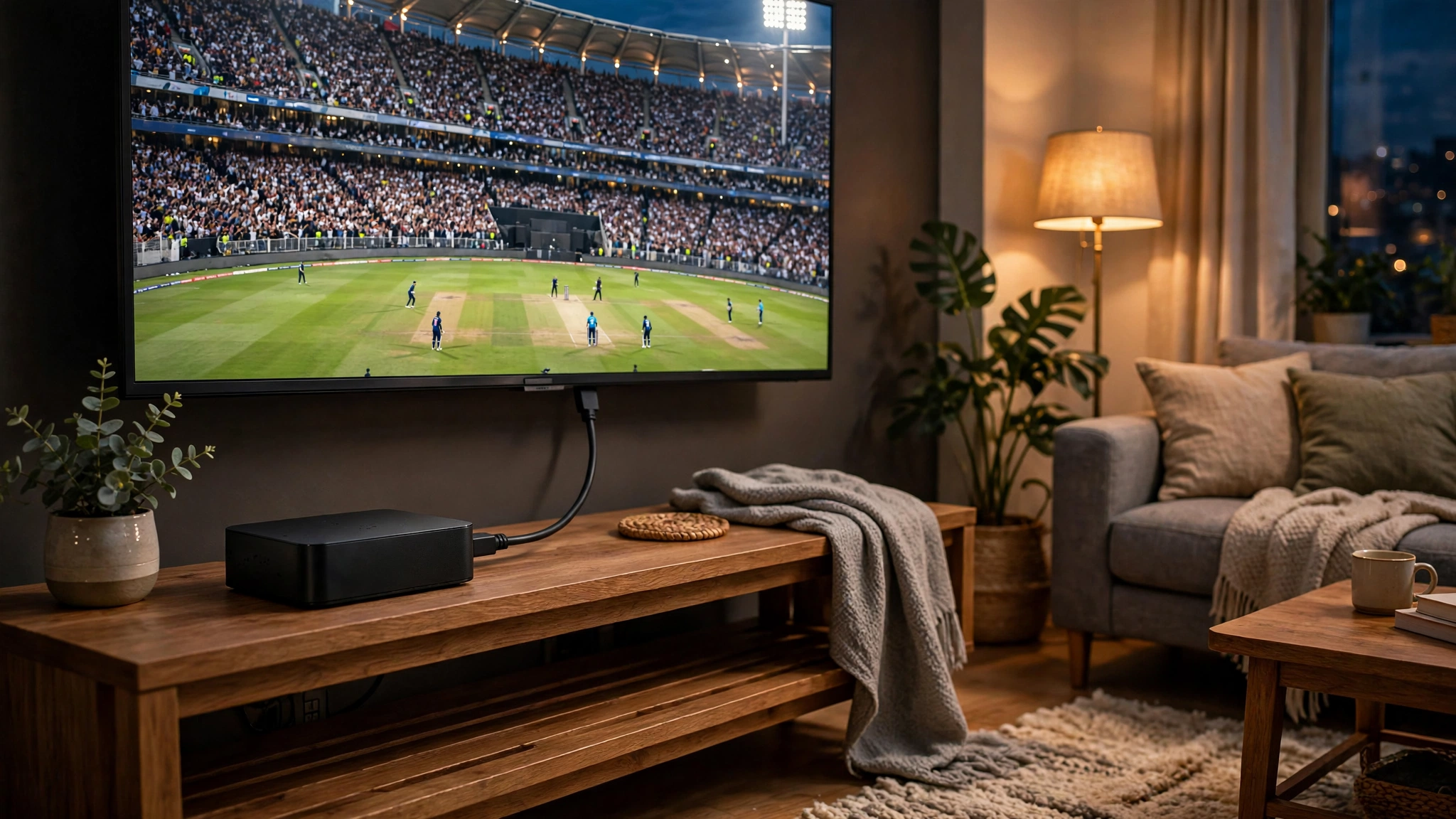
Plug an Amazon Firestick or any Android TV stick into your Samsung TV's HDMI port. Then install Cricfy TV on the Firestick — it takes five minutes and the experience is excellent, with full remote support.
Option 2: Chromecast / screen mirroring
Install Cricfy TV on your Android phone, then cast or mirror your phone screen to the Samsung TV. It works, though quality depends on your Wi-Fi — keep the phone and TV on the same network.
Option 3: Android TV box
Connect an Android TV box via HDMI and install the APK there. A good pick if you want a permanent setup without using your phone.
What NOT to do
- Don't download "Tizen APK" files from random sites — they are fake and often carry malware.
- Don't try developer-mode sideloading tricks; Tizen simply doesn't run Android apps.
Bottom line: a ₹3,000–4,000 Firestick turns any Samsung TV into a full Cricfy TV setup. That's the setup most people in India use.
Free download · No login required · Updated September 30, 2026