Blog
Cricfy TV Not Working? 9 Fixes That Actually Work (2026)
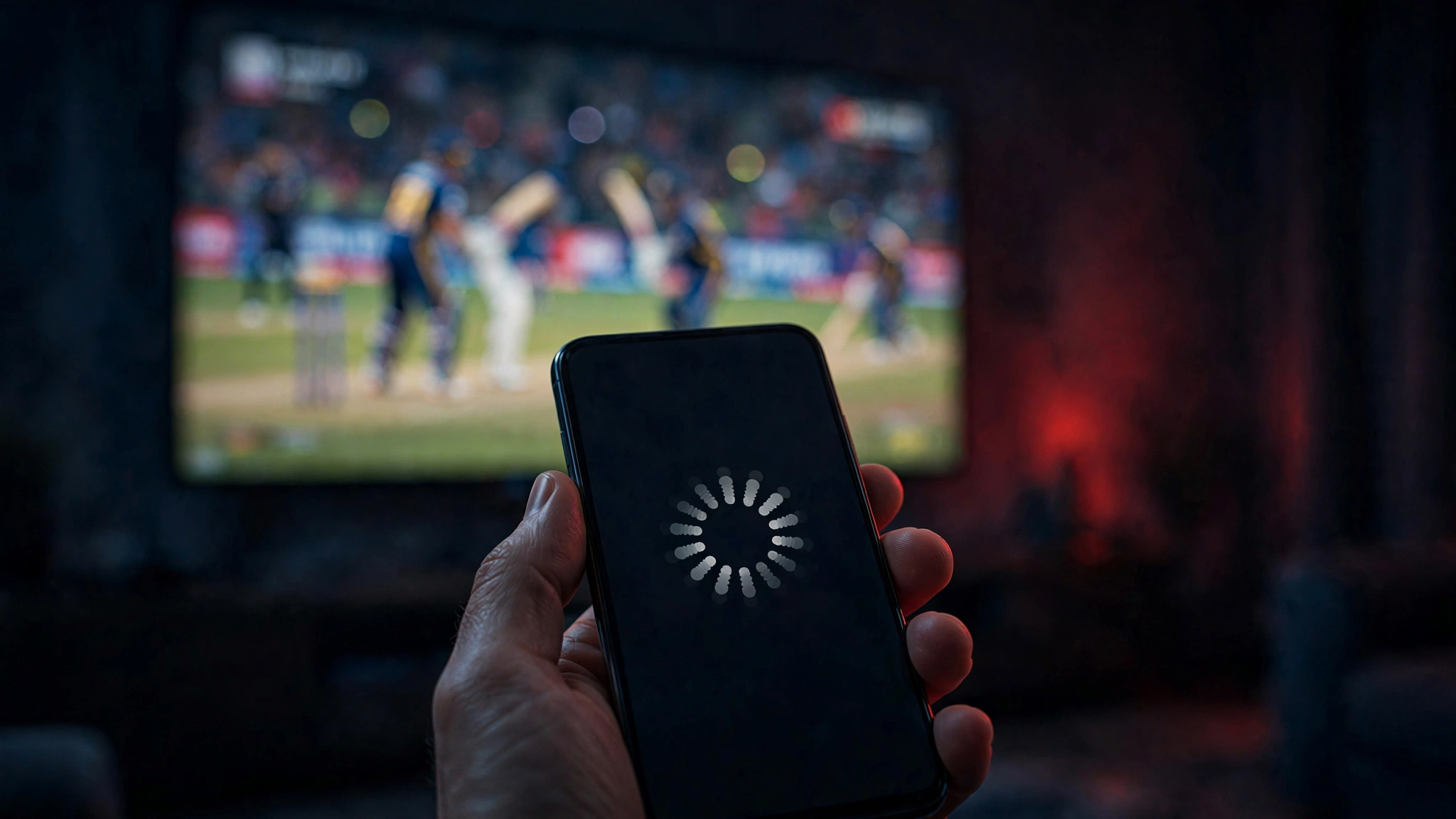
Nothing is more annoying than the app freezing five minutes before the match starts. If Cricfy TV is not working for you — crashing on launch, stuck on loading, or streams refusing to play — work through these nine fixes in order. They solve the vast majority of problems.
1. Check your internet connection
Open YouTube or a speed-test site. If those struggle too, the problem is your connection, not the app. Switch between Wi-Fi and mobile data to see which behaves better.
2. Force-stop and restart the app
Go to Settings → Apps → Cricfy TV → Force stop, then reopen it. This clears temporary glitches without touching your data.
3. Clear the app cache
In the same Apps screen, tap Storage → Clear cache. Don't tap “Clear data” unless you want to reset the app completely — cache clearing is the safe option and fixes most loading issues.
4. Update to the latest version
Old versions break when channel sources change. Download the newest release from our download page and install it over your current copy.
5. Reinstall the app completely
If updating didn't help, uninstall Cricfy TV, restart your phone, then do a fresh install. A clean install wipes out corrupted files that updates sometimes leave behind.
6. Free up storage space
Android apps misbehave when storage drops below ~500 MB free. Delete unused apps or old downloads and try again.
7. Turn off your VPN or ad-blocker
VPNs and aggressive ad-blockers can block the app's stream servers. Disable them temporarily — if the app suddenly works, you've found your culprit.
8. Check your device's date and time
It sounds strange, but wrong system time breaks the secure connections streams rely on. Set Date & time → Automatic in Settings.
9. Try a different channel or stream quality
Sometimes only one source is down. Switch to another channel showing the same match, or drop the quality from HD to SD inside the player — if it plays, the issue was that specific stream.
When nothing works
If every fix fails, the problem is likely on the server side — especially during huge matches when traffic spikes. Wait 15–30 minutes and try again. For persistent issues, contact us with your device model and Android version so we can help.
Free download · No login required · Updated September 30, 2026