Blog
How to Install Cricfy TV on Firestick in 5 Minutes (2026)
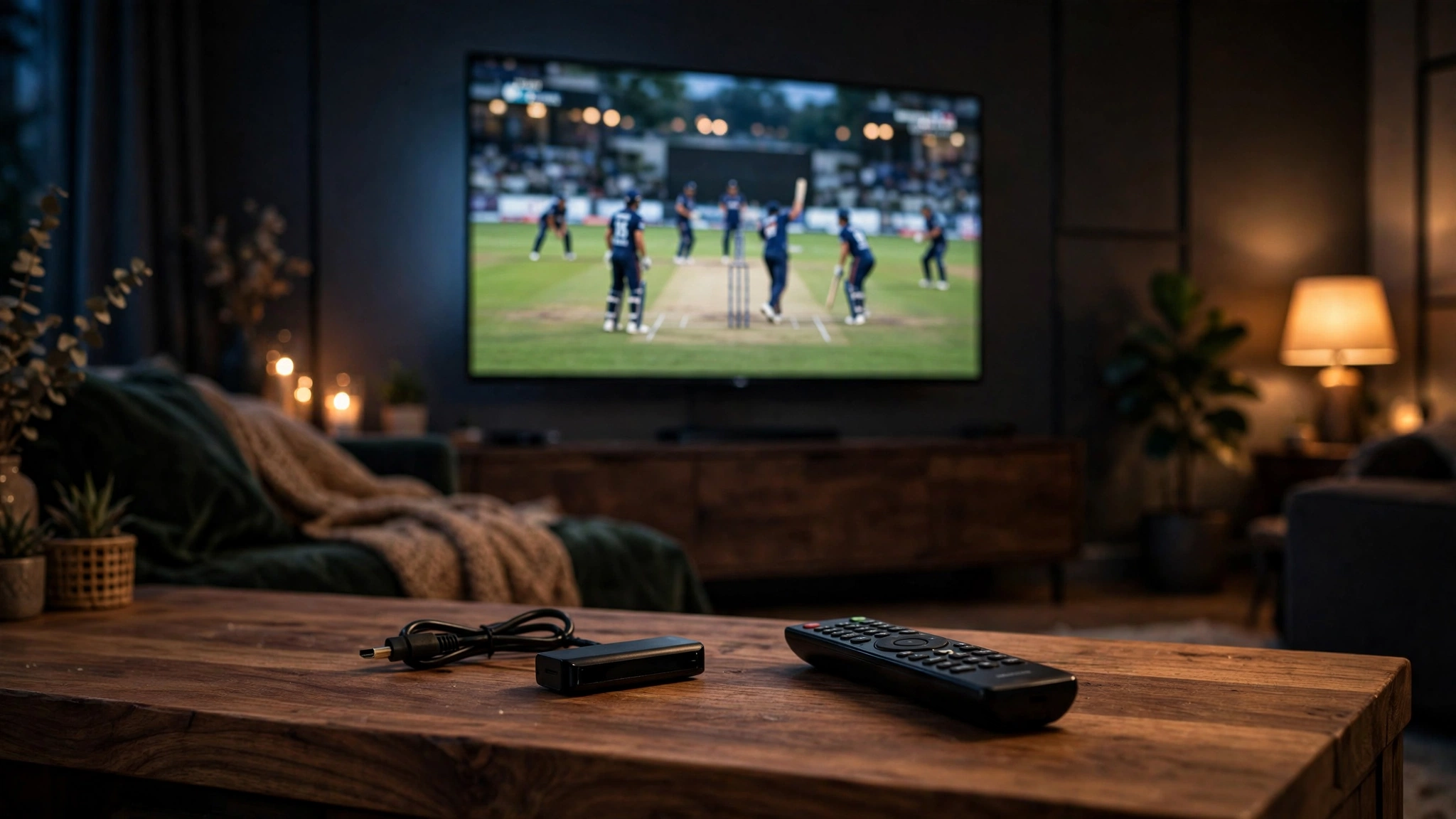
Watching on a phone is fine, but cricket deserves a big screen. Cricfy TV on Firestick isn't available in the Amazon Appstore, so you'll sideload it — a five-minute job with the free Downloader app.
What you need
- An Amazon Firestick (any recent model) connected to Wi-Fi.
- The Downloader app from the Amazon Appstore (free).
- The Cricfy TV APK download link from our download page — open that page on your phone so you can read the URL.
Step 1: Allow unknown sources
- On the Firestick home screen, go to Settings → My Fire TV → Developer options.
- Turn on “Install unknown apps” for the Downloader app.
- On newer Fire OS versions, Developer options is hidden — go to Settings → My Fire TV → About and click the device name seven times to reveal it.
Step 2: Download the APK with Downloader
- Open the Downloader app.
- Type the Cricfy TV APK URL and press Go.
- When the download finishes, the installer launches automatically — select Install, then Done.
Step 3: Launch it
Sideloaded apps don't appear on the home screen row. Go to Settings → Applications → Manage Installed Applications → Cricfy TV → Launch, or hold the Home button and open the Apps library. For quicker access, you can move it to the front of your app list.
Remote-control tips
- The app is designed for touch, so the Firestick remote's directional pad works as a cursor — the center button selects.
- If navigation feels awkward, the free Fire TV phone app (as a remote) gives you a touchpad that's much easier.
- For the smoothest streams, connect the Firestick to 5 GHz Wi-Fi or use an Ethernet adapter.
Prefer a full Android TV interface instead? See our Cricfy TV for Android TV guide — the steps are similar but the experience is more remote-friendly out of the box.
Get Cricfy TV v7.2
Download now
Free download · No login required · Updated September 30, 2026