Blog
Cricfy TV on LG Smart TV (WebOS): Your Options in 2026
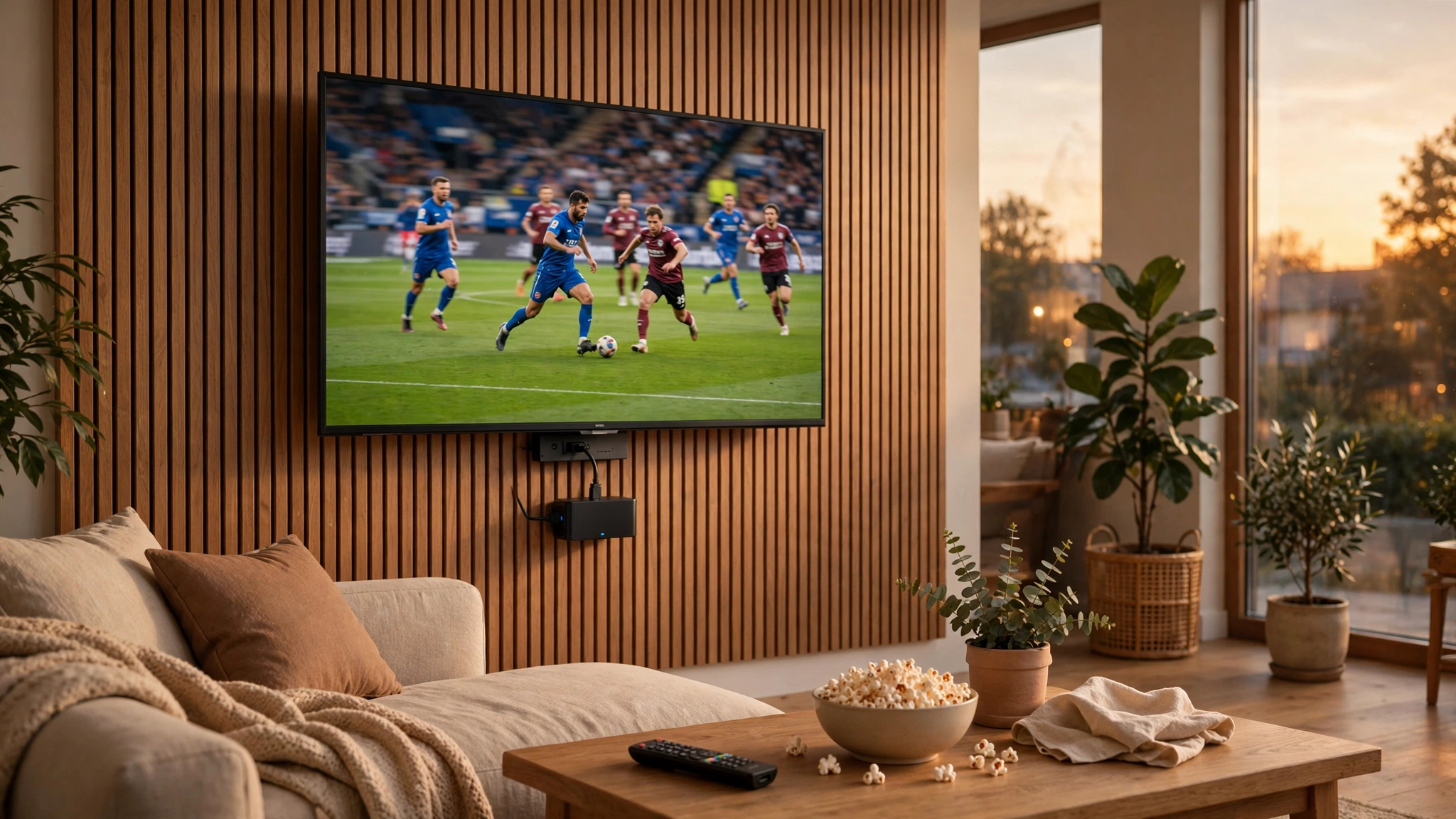
LG Smart TVs run WebOS, LG's own operating system — not Android. That means the Cricfy TV APK cannot be installed directly on the TV, no matter what some download sites claim.
But you have three solid options to watch on the big screen anyway.
Option 1: HDMI streaming device (recommended)
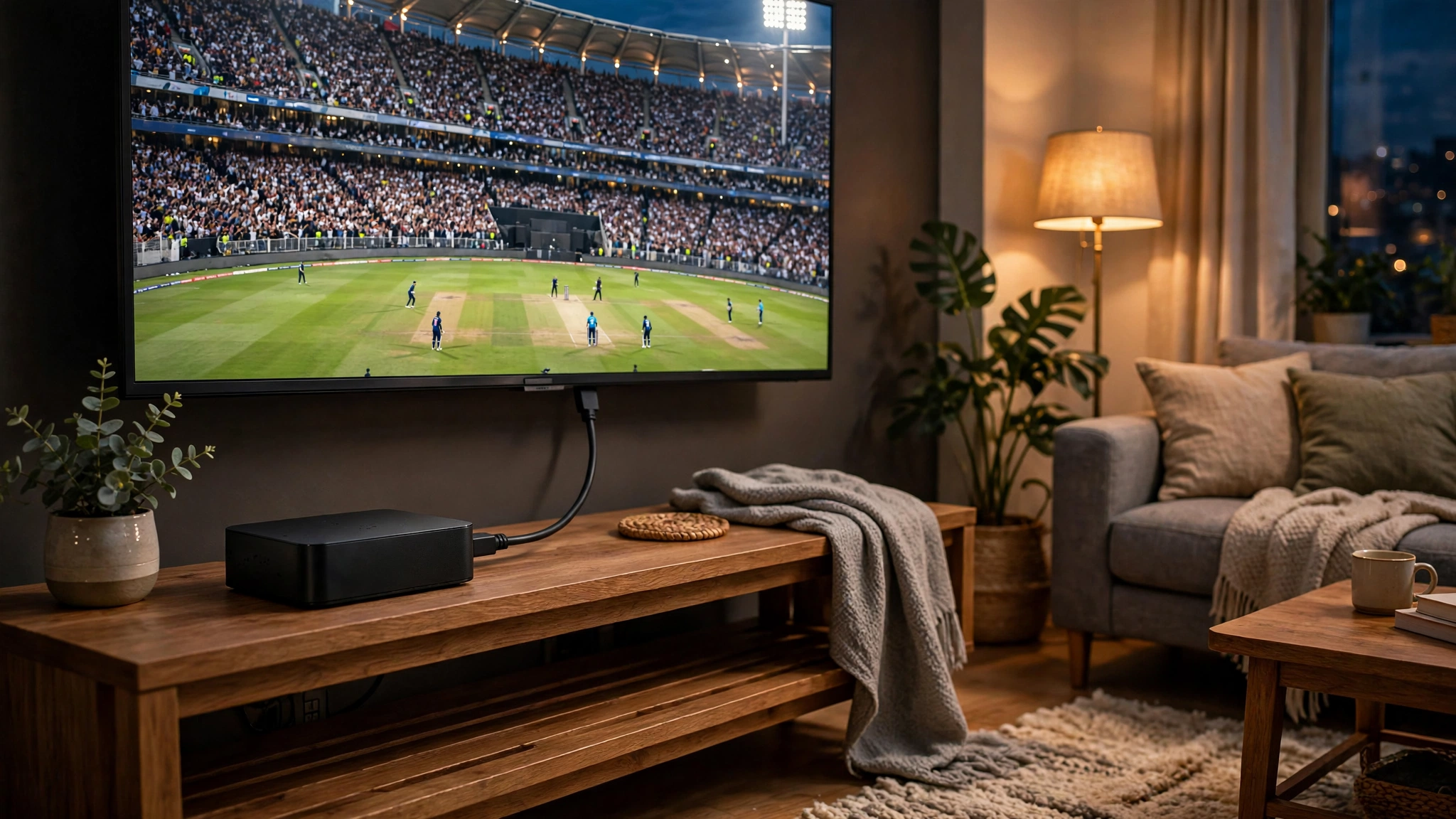
Plug a Firestick, Chromecast with Google TV, or Android TV box into your LG TV's HDMI port and install Cricfy TV on the Firestick. This gives the full app experience with remote control, and it works on every LG TV with an HDMI port — which is all of them.
Option 2: Screen mirroring from your phone
Install Cricfy TV on your Android phone and mirror the screen to your LG TV. LG TVs support Miracast and most phones can cast directly. Fine for occasional matches; a stick is better for daily watching.
Option 3: Laptop via HDMI cable
Run Cricfy TV on a Windows laptop and connect it to the TV with an HDMI cable. Simple and reliable — good if you already keep a laptop near the TV.
Watch out for fakes
If a site offers a "Cricfy TV WebOS version" or "LG TV APK", close the tab. There is no WebOS version, and those files are a common malware vector. The only safe file is the official Android APK from our download page.
Free download · No login required · Updated September 30, 2026