Blog
How to Install Cricfy TV on Mi TV (2026 Guide)
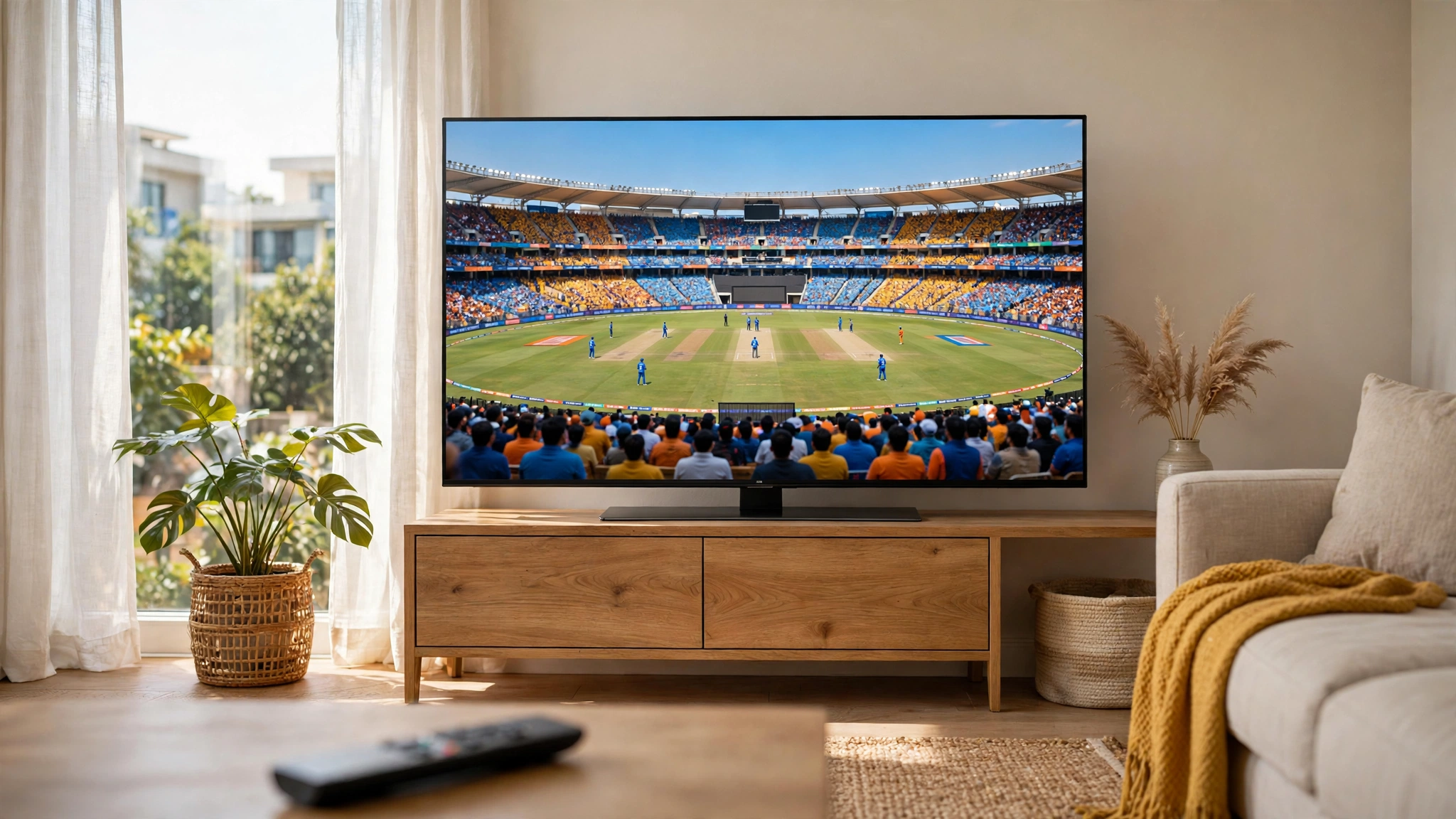
Xiaomi's Mi TVs run Android TV, which means Cricfy TV installs directly — no Firestick or workaround needed. The whole process takes about five minutes.
Step-by-step installation
- Download the Cricfy TV APK on your phone or computer.
- Copy it to a USB drive (or use the Send Files to TV app to transfer wirelessly).
- On your Mi TV, install a file manager like File Commander from the Play Store.
- Open the file manager, locate the APK, and install it.
- When prompted, allow Install unknown apps.
Alternative: Downloader method
Install the Downloader app from the Play Store on your Mi TV, enter the APK link, and install directly — no USB drive needed.
Mi TV specific tips
- The app appears in your Apps row; on PatchWall, look under the Apps tab.
- Mi TV remotes work well with Cricfy TV's tile interface.
- For the smoothest streams, connect your TV via Ethernet or 5GHz Wi-Fi instead of 2.4GHz.
- Running PatchWall ads in the background? They don't affect the app once it's open.
Once installed, check our Smart TV guide for the best big-screen settings.
Get Cricfy TV v7.2
Download now
Free download · No login required · Updated September 30, 2026