Blog
Cricfy TV HD Quality Not Working? Fix It (2026)
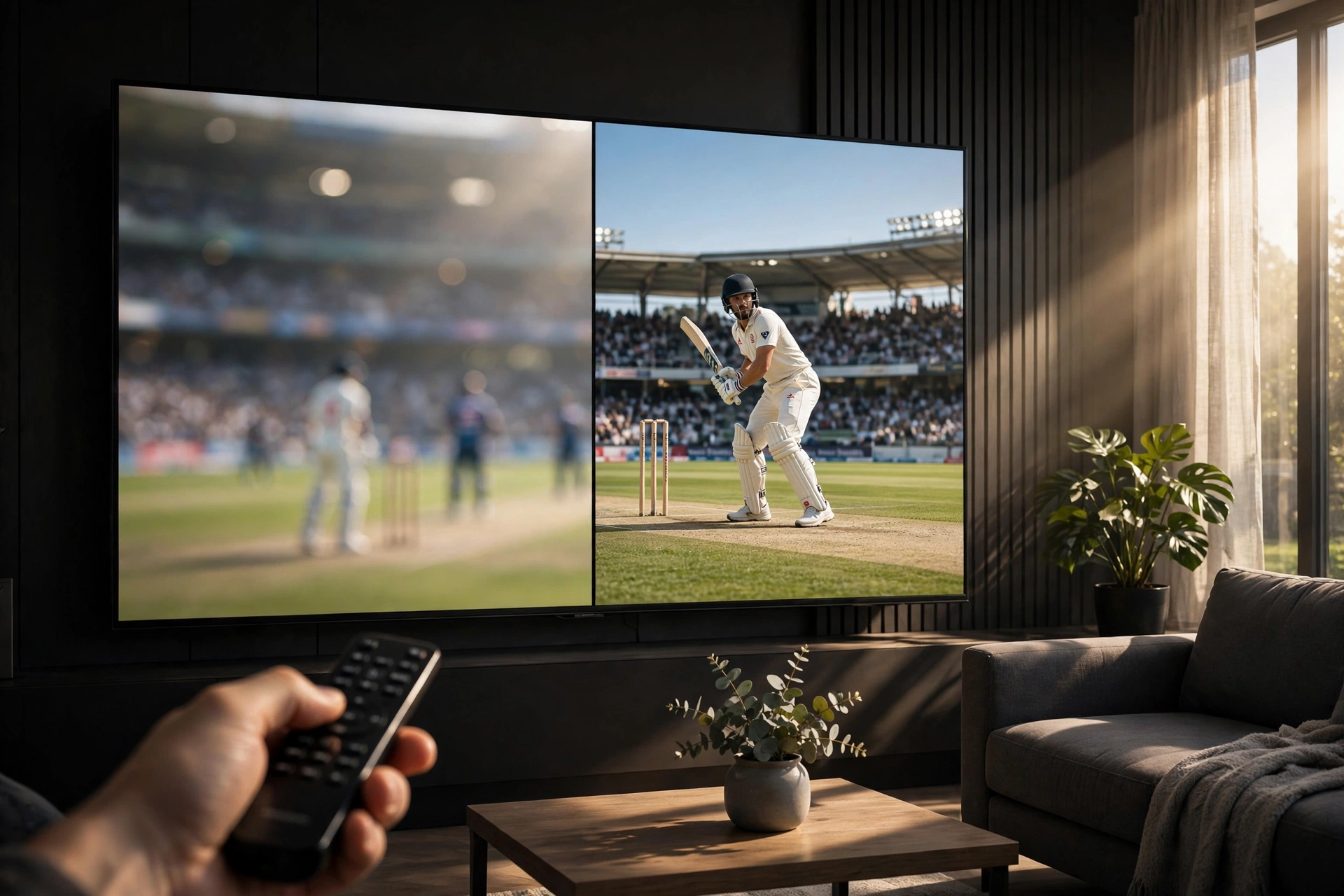
You selected HD but the picture still looks soft? Or the HD option is missing entirely? Let's fix it.
Why HD won't play
- Your internet is too slow. HD needs ~5 Mbps sustained; the app auto-drops to SD on slower connections. Run a speed test.
- The source has no HD. Not every channel offers HD — the option only appears when the source provides it.
- Your device can't decode it. Very old phones struggle with HD codecs; the app falls back to SD to keep playing.
- Peak-time throttling. During big matches, sources limit quality to serve more viewers.
How to force the best quality
- In the player, open quality settings and pick the highest available manually (don't leave it on Auto).
- Switch to 5GHz Wi-Fi or wired Ethernet (on TV boxes) — the most reliable HD enabler.
- Try a different channel for the same match — quality varies wildly between sources.
- Close background downloads and other streaming apps hogging bandwidth.
Reality check
"HD" on free sources isn't always true 1080p — some are upscaled 720p. If one channel looks soft, another may be genuinely sharper. Channel-hop during the first over to find the best feed, then settle in.
Buffering on HD? Our buffering guide has the fixes.
Get Cricfy TV v7.2
Download now
Free download · No login required · Updated October 2026