Blog
Cricfy TV Has No Sound? 6 Fixes for Audio Problems (2026)
Picture's perfect but no sound? Before blaming the app, run through these — the cause is usually embarrassingly simple.
The obvious checks (30 seconds)
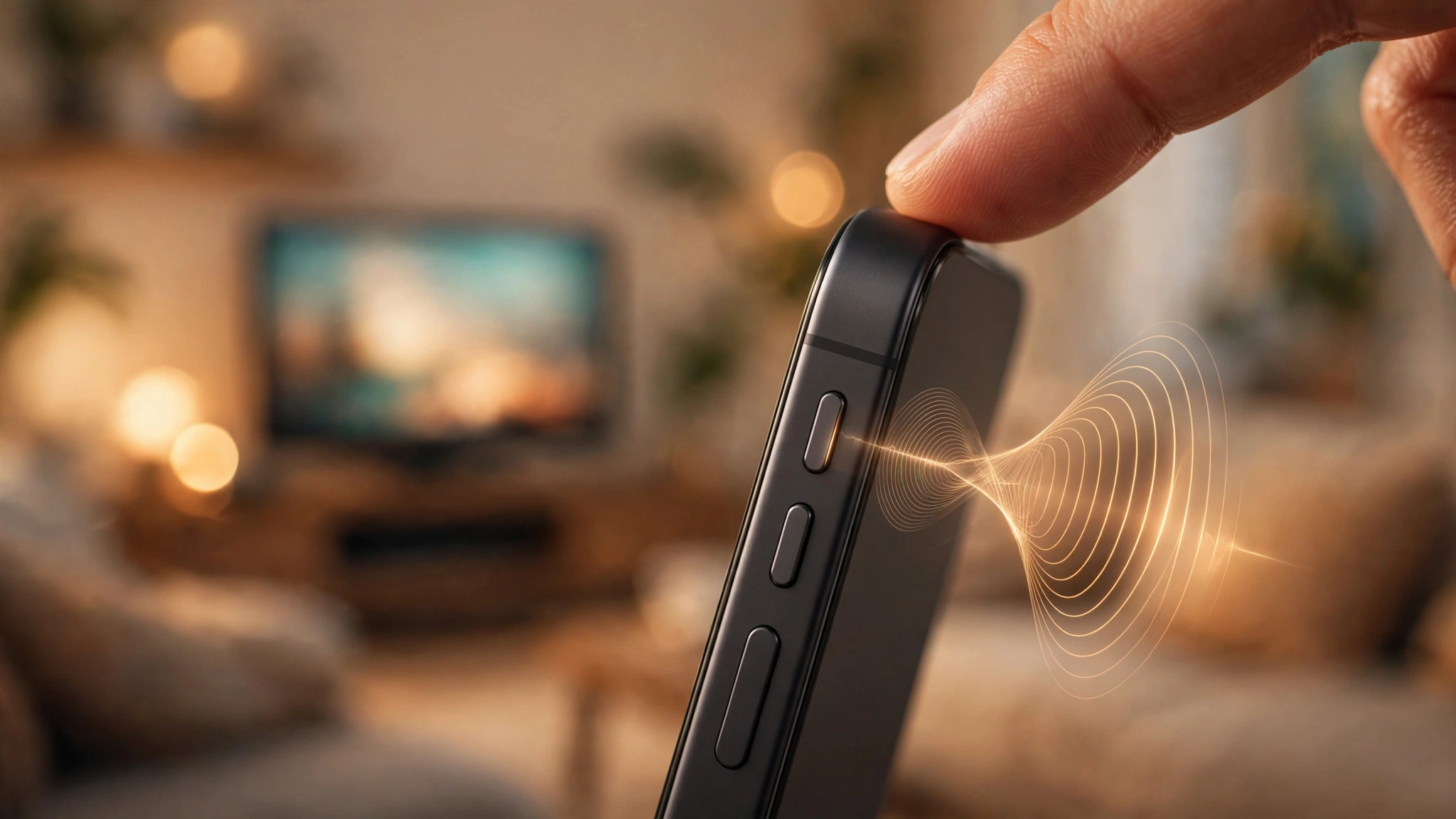
- Media volume up? Android has separate volumes — press volume-up while the stream is playing to adjust media volume specifically.
- Silent/DND mode? Some phones mute media in silent mode. Turn it off.
- Bluetooth connected? Audio may be routing to earbuds or a speaker you forgot about. Disconnect Bluetooth and test.
App and player fixes
- Switch channels — one dead audio track doesn't mean they're all broken.
- Use an external player: set VLC or MX Player as the external player in Cricfy TV settings. This fixes codec-related silence — the most common "real" cause.
- Restart the stream: back out and reopen the channel; audio tracks sometimes fail to initialize on the first load.
Still silent?
Clear the app's cache, and check whether other apps have sound — if YouTube is also silent, it's your phone, not Cricfy TV. A phone restart fixes stuck audio services more often than you'd expect.
For video-side problems instead, see our black screen fix guide.
Get Cricfy TV v7.2
Download now
Free download · No login required · Updated September 30, 2026